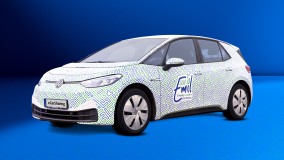
ID continues
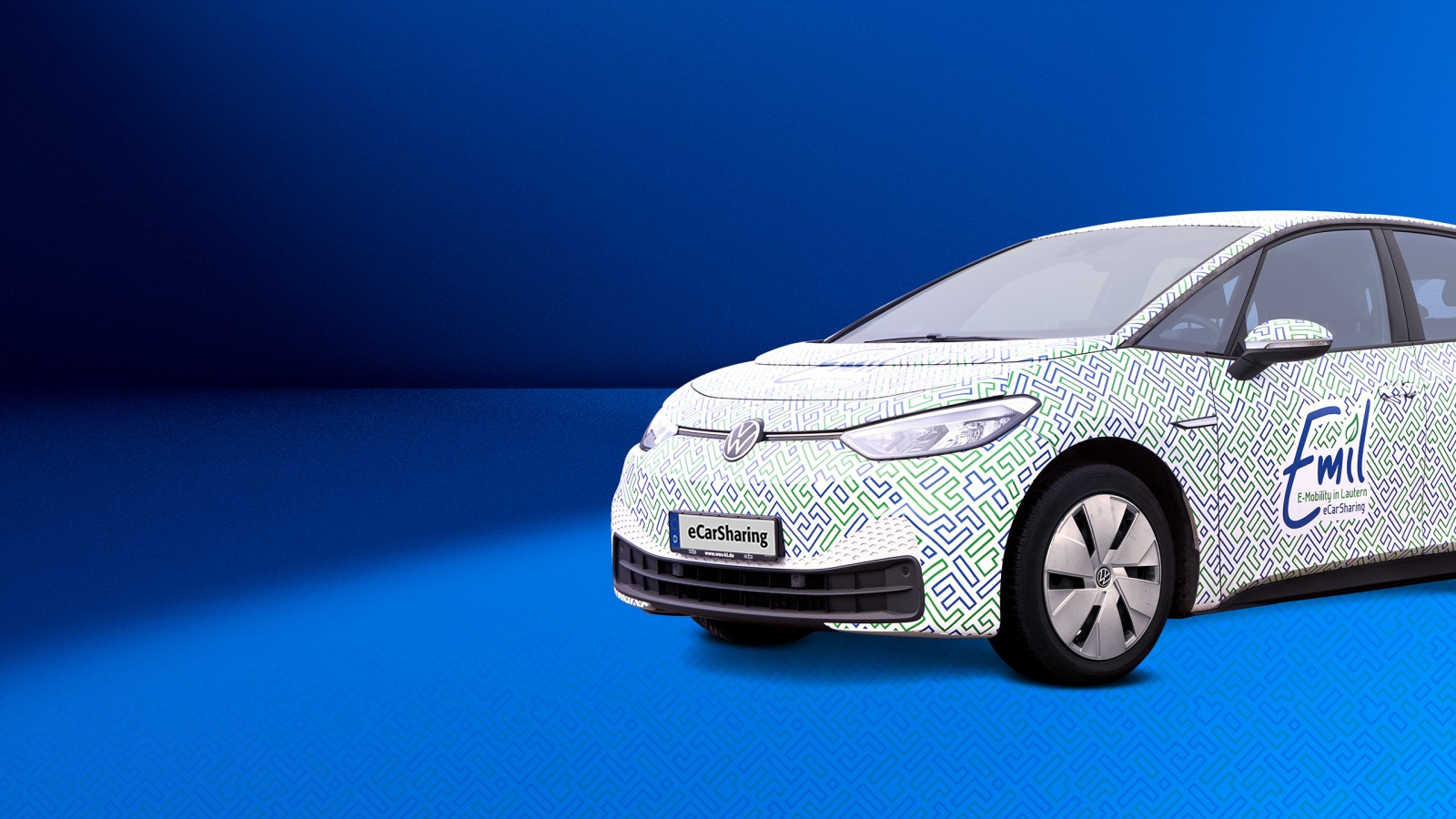
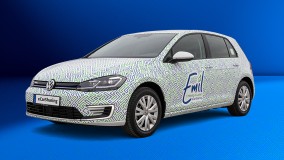
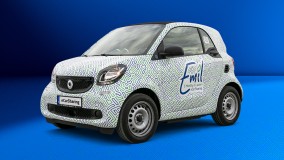
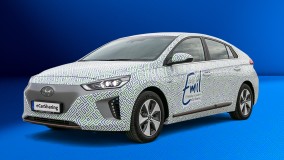
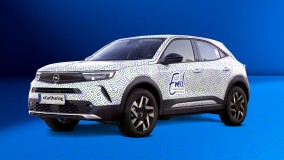
Vehicle details
Number of doors: 5
Number of seats: 5
Range: ~ 200 km
Fuel: Electric / Electricity
SWK charging card: ladennetz.de network
Driver assistance systems: cruise control, adaptive cruise control, lane departure warning system, parking assist with reversing camera
Comfort & Features: Automatic climate control, heated seats, heated steering wheel, Keyless Go
Lighting & Visibility: Automatic headlights, windscreen wipers with rain sensor
Infotainment & Connectivity: Navigation, GPS, Bluetooth audio, DAB+ radio
Powertrain & Charging: Automatic gearbox, CCS connector, Type 2 connector, Type 2 charging cable
Tyres: winter and summer tyres
Accessories & Safety: Ice scraper, parking disc, warning triangle, high-visibility vest, first-aid kit
- Unlock the car via the app.
- Take the key out of the glove compartment.
- Use the key to unlock the car again, remove the charging cable and stow it in the boot.
- Place the key inside the car (Keyless Go) and press the brake pedal.
- Press the start button.
- Move the gear lever from ‘P’ (Park) to ‘D’ (Drive) and drive off.
- To stop, press the ‘P’ button. Then press the Start/Stop button.
- Open the fuel filler flap, then plug the charging cable first into the vehicle and then into the charging point.
- Take the charging card out of the glove compartment and hold it up to the charging point (when the charging bar turns blue, charging has started).
- Put the charging card and key back into the glove compartment.
- Close all the doors and end the booking via the app (the vehicle will then lock automatically).
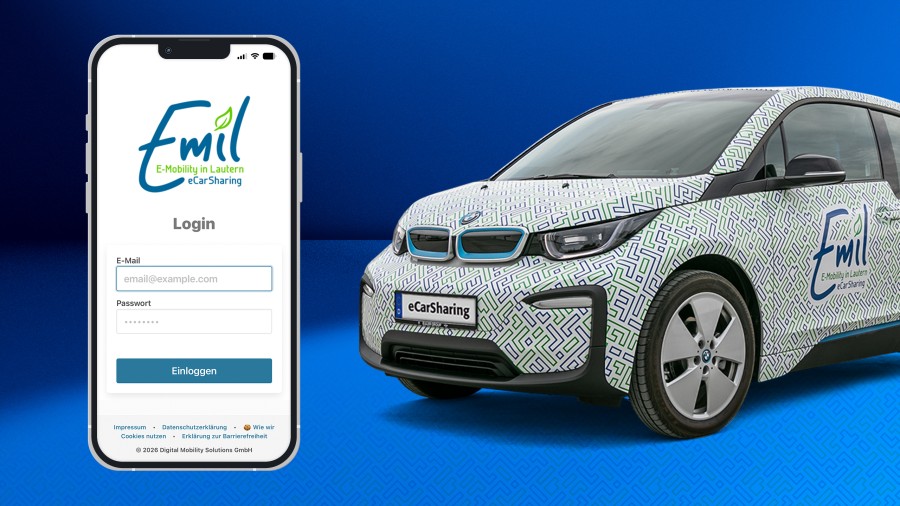
Download now!
Download the Emil app and get started
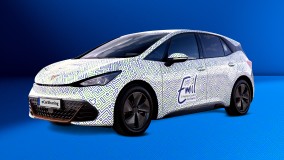
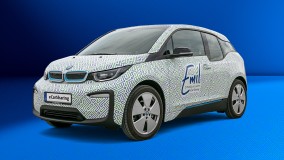
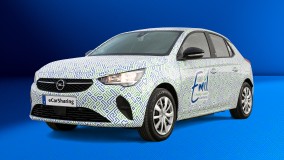
Contact
24h-Support-Hotline
Digital Mobility Solutions GmbH (MOQO)
SWK Stadtwerke Kaiserslautern