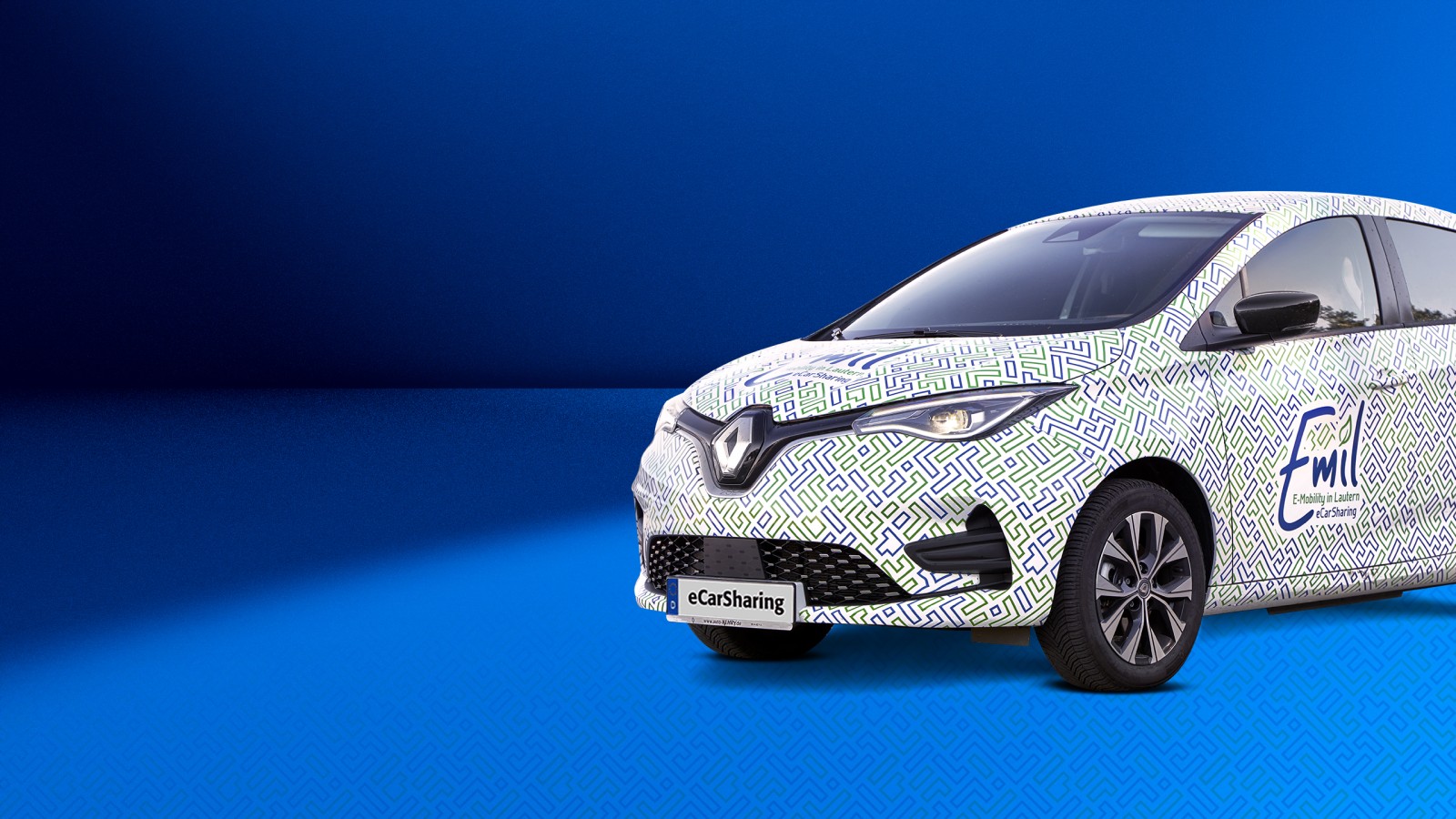
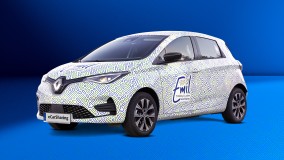
Zoe – it's that simple
Vehicle details
Number of doors: 5
Number of seats: 5
Range: ~390 km
Fuel: Electric / Electricity
SWK charging card: ladennetz.de network
Driver assistance systems: cruise control, parking assist
Comfort & Features: Air conditioning, height-adjustable steering wheel, heated steering wheel, electric parking brake, Keyless Go
Lighting & Visibility: Automatic headlights, windscreen wipers with rain sensor
Infotainment & connectivity: navigation, Android Auto, Bluetooth audio, DAB+ radio, voice control
Powertrain & Charging: Automatic gearbox, CCS connector, Type 2 connector, Type 2 charging cable
Tyres: All-weather tyres
Accessories & Safety: Ice scraper, parking disc, warning triangle, high-visibility vest, first-aid kit
- Unlock the car via the app.
- Take the key out of the glove compartment.
- Use the key to unlock the car again, remove the charging cable and stow it in the boot.
- Place the key inside the car (Keyless Go) and press the brake pedal.
- Press the start button and release the electric handbrake (press down).
- Move the gear lever from ‘P’ (Park) to ‘D’ (Drive) and drive off.
- To stop, shift back to ‘P’, engage the electric handbrake (pull up) and press the start button.
- Open the fuel cap (press the button to the left of the steering wheel on the dashboard), then plug the charging cable first into the car and then into the charging point.
- Take the charging card out of the glove compartment and hold it up to the charging point (when the charging bar turns blue, charging has started).
- Put the charging card and key back into the glove compartment.
- Close all the doors and end the booking via the app (the vehicle will then lock automatically).
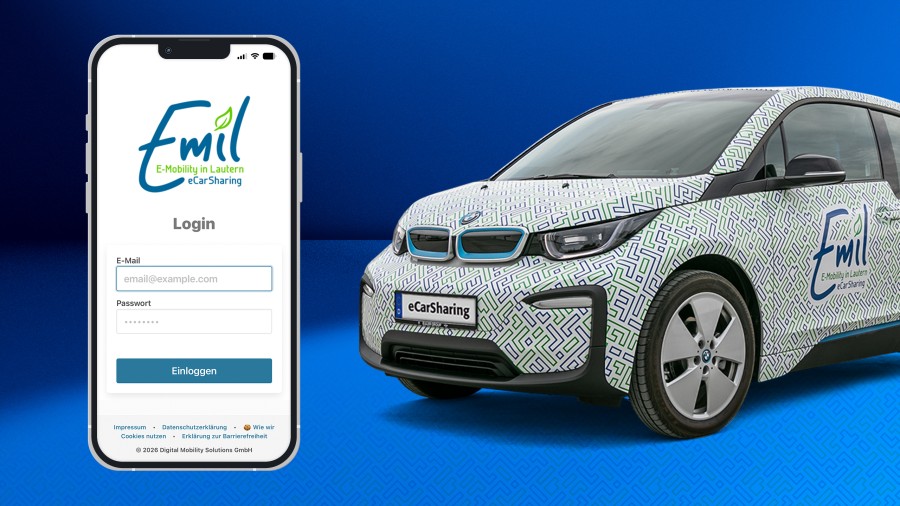
Download now!
Download the Emil app and get started
Contact
24h-Support-Hotline
Digital Mobility Solutions GmbH (MOQO)
SWK Stadtwerke Kaiserslautern